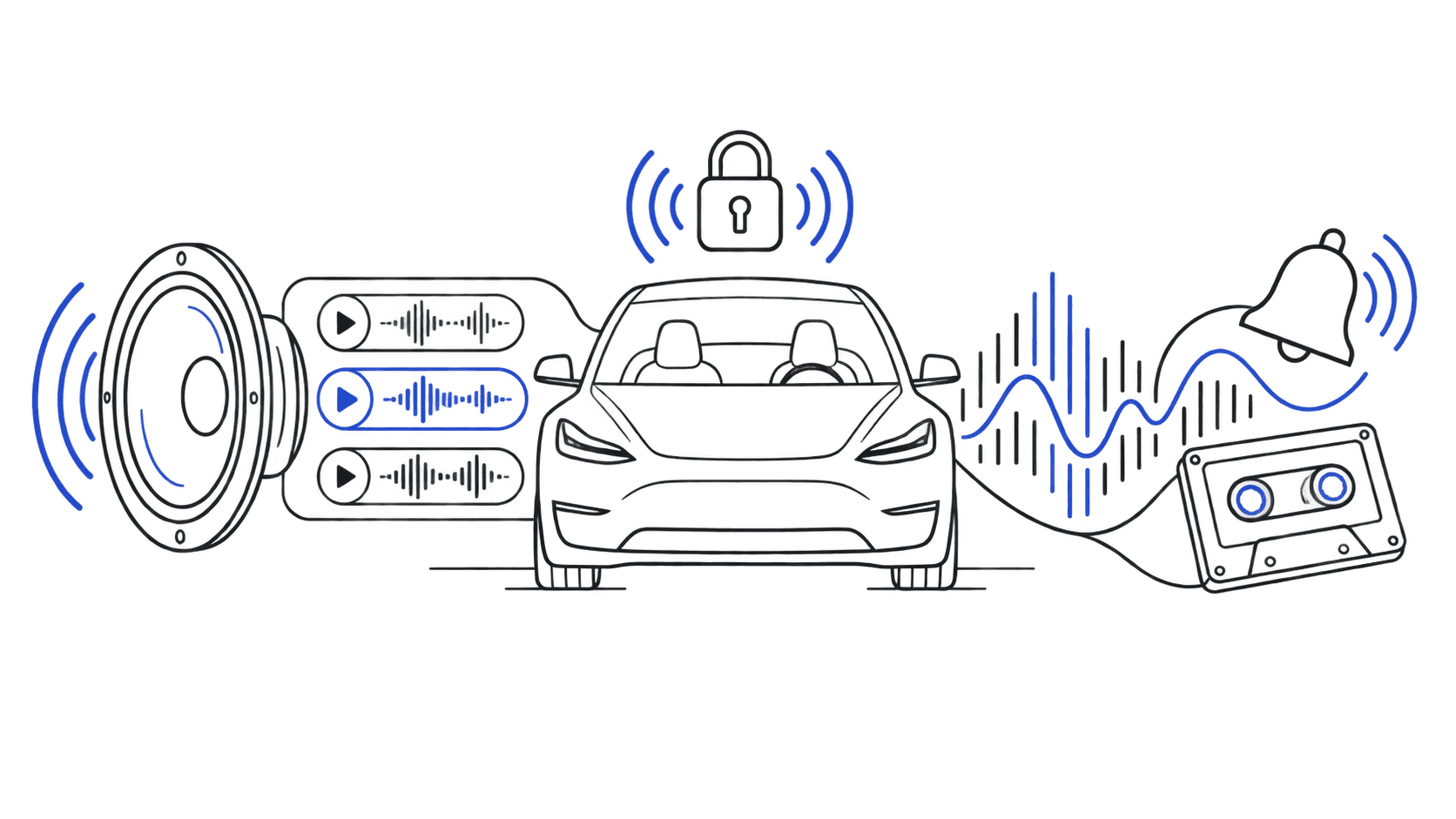
Best Free Tesla Lock Sounds 2026
Every Tesla owner eventually asks the same question: what should my lock sound be? With 950+ free, WAV-ready sounds covering every genre imaginable, this roundup cuts through the noise. All picks are pre-formatted for Model 3, Y, S, X, and Cybertruck — download any of them in one click.
All sounds are in our free tesla lock sound library, already named LockChime.wav and ready to install in 2 minutes.
Best Meme & Viral Sounds
Meme sounds are perennially popular for a reason—they're instantly recognizable and they get reactions. These are the standouts.
Vine Boom
Still the king of meme lock sounds years after Vine died. That deep, dramatic bass hit is universally known and never fails to get a smile from anyone nearby. Short, punchy, and impossible to mistake for anything else. Works on every Tesla model.
Emotional Damage
Steven He's viral catchphrase has become one of the most-downloaded sounds on the site. It's specific enough to reward people who get it, but the delivery is so expressive that even non-fans find it funny.
Bruh Sound Effect
Sometimes simple is best. The classic "bruh" that punctuates disappointment—perfect for when you lock your Tesla after a long day. Keep it low-key or go loud, it lands either way.
Browse all meme sounds for more viral picks.
Best Gaming Sounds
Tesla and gaming share a fanbase. These gaming-inspired lock sounds are optimized for Tesla's speaker system and have the kind of short, punchy quality that makes them work perfectly as lock chimes.
Achievement Unlocked
The Xbox-style notification is one of the most universally recognized sounds in gaming. Every lock is an achievement, and your Tesla will remind you of that.
Coin Collect (Retro)
That classic platformer cha-ching hits hard every time. It's nostalgic, cheerful, and short enough that it never overstays its welcome. A top pick for Model 3 and Model Y owners.
8-Bit Victory Fanfare
A triumphant 8-bit melody that celebrates every departure. If you've spent time with retro gaming, this will feel like home. Works especially well on the Cybertruck's powerful speakers.
Check the full gaming sounds collection for chiptunes, modern SFX, and franchise-specific picks.
Best Sci-Fi Sounds
Tesla is essentially a spaceship on wheels, and sci-fi sounds lean into that aesthetic hard. These picks match the brand's futuristic vibe.
Imperial March (Star Wars)
The Galactic Empire's theme is timelessly dramatic. A few bars of the Imperial March every time you lock announces your arrival with appropriate gravity. If you drive a Cybertruck, this is practically required.
That iconic, complex mechanical transformation sequence. It's bold, unmistakable, and surprisingly perfect for locking an electric vehicle that's basically a Transformer itself. See our Cybertruck guide for why Cybertruck owners gravitate toward this one.
Starship Door Swoosh
A pneumatic hiss that sounds like an airlock sealing. Subtle enough for professional settings, distinctive enough that anyone who hears it knows something cool just happened. Top pick for Model S and Model X owners.
Browse our full sci-fi sound category for Star Wars, Star Trek, Blade Runner, and more.
Best Movie & TV Sounds
Film and television sounds come with built-in emotional weight—you don't just hear them, you feel them.
Law & Order "Dun Dun"
Two notes. Infinite cultural power. The Law & Order chime might be the most recognizable sound cue in television history, and as a lock sound it never gets old. People always react.
Iron Man Suit-Up
Tony Stark's armor engaging is confidence in audio form. It's short, dramatic, and perfect for those who like arriving with energy. Pairs well with the Model Y and Model 3 crowd.
Stranger Things Vecna Grandfather Clock
The haunting grandfather clock from Stranger Things Season 4 is eerie, distinctive, and long enough to be satisfying without overstaying its welcome. Horror fans and Stranger Things obsessives will love it.
See the movies and TV sounds collection for hundreds more cinematic picks.
Best Music Sounds
Sometimes you want something that sounds good, not just recognizable. These musical lock sounds are designed to be genuinely pleasant to hear every day.
Synth Wave Pulse
A retro-futuristic synthesizer tone that fits Tesla's aesthetic almost too perfectly. It sounds like the car knows it's electric.
Piano Chord
One clean, well-tuned piano chord. Sophisticated, subtle, and completely inoffensive in any setting—professional parking lots included.
Guitar Strum
A single acoustic guitar chord with natural resonance. Warm, human, and unexpected from a tech-forward vehicle. A crowd favorite.
Browse music sounds for electronic, classical, jazz, and acoustic options.
Best Sounds by Tesla Model
Different Tesla models have different speaker systems and different owners. Here are the top picks for each:
●Model S: Synth Wave Pulse, Starship Door, Piano Chord
●Model 3: Achievement Unlocked, Vine Boom, Guitar Strum
●Model Y: Coin Collect, Iron Man Suit-Up, Emotional Damage
●Model X: Imperial March, Transformers Transform, Piano Chord
●Cybertruck: Transformers Transform, 8-Bit Victory, Vine BoomHow to Find Your Perfect Sound
Not sure where to start? Use this simple filter:
- Do you want reactions? Go meme or movie.
- Do you want it to sound good every day? Go music.
- Are you a gamer or tech person? Go gaming.
- Does your car have a strong personality? Match it—Cybertruck gets industrial, Model S gets sophisticated, Model Y gets fun.
How to Install
Every sound in our library is pre-formatted and ready to go. Download, drop it on a FAT32-formatted USB drive in the Boombox/LockChime.wav path, plug it in, and select it in Controls > Safety & Security > Sentry Mode.
Full step-by-step walkthrough is in our installation guide, and our audio converter handles any format adjustments if you want to tweak volume or trim length. Custom sounds are enabled through Sentry Mode — our Sentry Mode & custom sounds guide explains exactly how the two features work together.
Browse the full tesla lock sound library to find your pick, check our trending sounds to see what the community is downloading right now, or read our complete guide to custom Tesla lock sounds for a full breakdown of every option. Curious what's changed in the latest firmware? See our Tesla 2026.2 sound update breakdown.
Frequently Asked Questions
Are these Tesla lock sounds really free?
Yes, every sound on this site is free. No account, no subscription, no payment. Download any sound instantly in one click.
Do these sounds work on my Tesla model?
Yes. Every sound is formatted as a Tesla-compatible WAV file (44.1kHz, 16-bit PCM) that works on Model 3, Model Y, Model S, Model X, and Cybertruck. The file is named LockChime.wav and ready to use.
How do I install a custom lock sound on my Tesla?
Copy LockChime.wav into a folder named "Boombox" on a FAT32-formatted USB drive. Plug it into your Tesla, then go to Controls > Safety & Security > Sentry Mode and select your custom sound. Total time: about 2 minutes. Full install guide here.
Can I use any WAV file as a Tesla lock sound?
Tesla requires WAV format at 44.1kHz, 16-bit PCM. The file must be named exactly LockChime.wav (case-sensitive) inside a folder named Boombox. If your file is in another format or needs volume adjustment, our audio converter handles it automatically.
What's the ideal length for a Tesla lock sound?
Short sounds work best — 0.5 to 3 seconds is the sweet spot. Sounds over 5 seconds may get cut off. The lock chime plays on every lock event, so anything too long gets annoying quickly.
Which sound is most popular?
Vine Boom has been the most-downloaded sound for months. Achievement Unlocked and Emotional Damage are close behind. Check the trending page for the current top picks.
See Also
●15 Best Tesla Lock Sounds in 2026 — From Star Wars to Minecraft — curated top-15 countdown with inline audio previews
●50 Tesla Lock Sound Ideas — browse by theme to find your pick
●Trending Sounds 2026 — what the community is downloading now
●How to Change Your Tesla Lock Sound (Complete 2026 Guide) — full model-by-model walkthrough
●Installation Guide — step-by-step setup with photos