Create your own Tesla lock sound
Make your own lock sound from a file you already have, or from a line you type. Either way you end up with a LockChime.wav.
I have an audio file
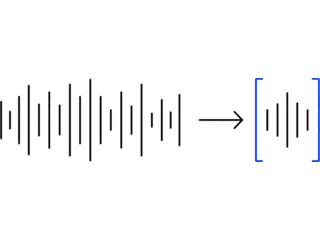
Pick the 5 seconds you want from any MP3, WAV, OGG, or M4A, set the volume, and export a LockChime.wav. The file is processed in your browser and never uploaded.
MP3, WAV, OGG, M4Astays in your browser
I want to type a line
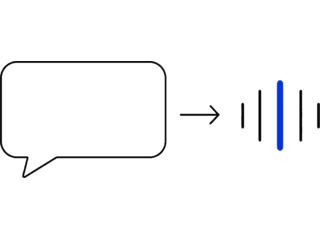
Type up to 80 characters and play a sample of each voice before you pick one. The text is sent to ElevenLabs to be spoken, then you download it as a LockChime.wav.
6 voices5 free daily
The file you get
Tesla only needs a WAV named LockChime.wav. Both tools also apply the settings recommended for clean playback:
- • WAV, 44.1 kHz, 16-bit
- • Up to 5 seconds long
- • File size under 1 MB
- • Saved as
LockChime.wav
The lock chime is not the only sound you can change. The Tesla sound effects guide covers the horn and Sentry Mode alerts too.
Want ready-made sounds instead?
Every sound in the library downloads as a LockChime.wav.