
Tesla lock chime sounds: preview, download, and install as LockChime.wav
Free Tesla lock sounds. Play one, download LockChime.wav.
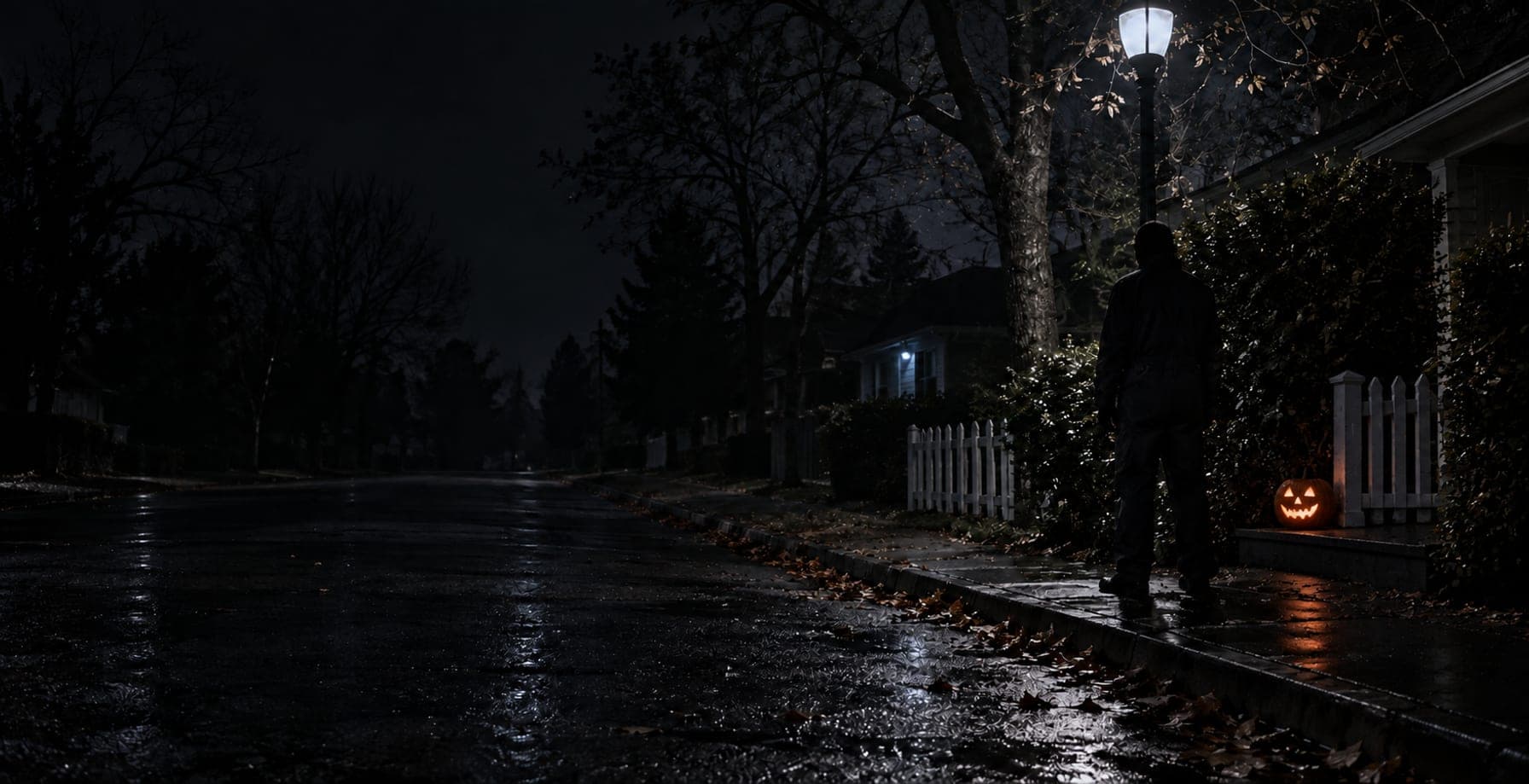
Michael Myers
(Dead by Daylight horror)0:04
Play one, then download it.
Most downloaded this week. More trending
All 2,360+ soundsHow to install226,745 downloads so far
Browse by genre or collection.
genresAll sounds
collectionsAll collections
- Horror & Spooky40 sounds
- Jarvis & Iron Man17 sounds
- Tesla Essentials33 sounds
- Tron Mode57 sounds
- Meme Sounds102 sounds
- Viral Hits82 sounds
- Reaction Pack62 sounds
- Nintendo Universe34 sounds
- Movie Moments23 sounds
- Saturday Morning Cartoons36 sounds
- Anime Essentials22 sounds
- Comedy Gold202 sounds
- Stadium Anthems15 sounds
- Windows Nostalgia15 sounds
- Sci-Fi Classics114 sounds
- SFX Toolkit43 sounds
On your Tesla in 2 minutes.
Free, no account. You get one file, LockChime.wav, ready for the car. Your car needs the external speaker (Model 3 from Sept 2019, S/X from the 2021 refresh) and software 2023.44+; check your car has Toybox → Boombox → Lock Sound.
Copy to USB
Copy LockChime.wav onto a FAT32 or exFAT USB drive at Boombox/LockChime.wav.
Plug into your Tesla
Plug the drive into a USB port that carries data (the glovebox port on newer cars). Open Toybox → Boombox → Lock Sound, then choose USB.
Lock the car
Lock the car to hear it.
Not in the library?
Two ways to make your own LockChime.wav.