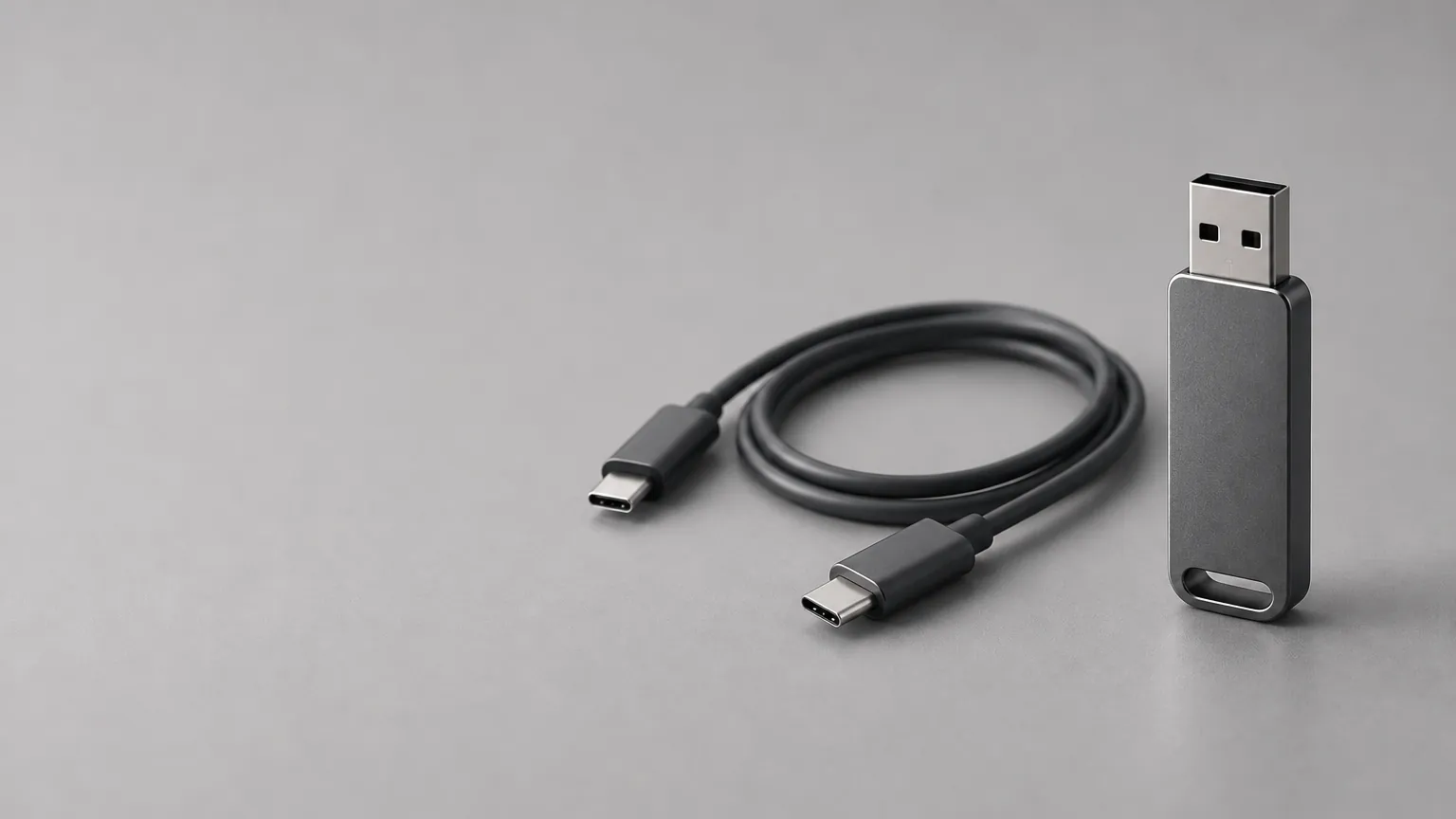
Short answer: there is no single best drive, because Tesla publishes requirements rather than a brand list. For Dashcam and Sentry Mode the manual asks for at least 64 GB, a sustained write speed of 4 MB/s or better, and USB 2.0 compatibility. Format it exFAT, plug it into the USB-A port in the glovebox and it can also hold your lock sound. A light show needs a second drive.
We do not recommend a brand on this page. We have not tested drives in a car, and Tesla's own manual names none. Pick any drive that meets the requirements below and read its spec sheet for the write speed.
All Tesla figures come from the owner's manual page on USB drive requirements for recording videos, which reads the same for Model 3, Model Y, Model S, Model X and Cybertruck, and from Tesla's light-show repository.
What does a Tesla USB drive need?
| Requirement | What Tesla says |
|---|---|
| Capacity | At least 64 GB for Dashcam and Sentry Mode. Use as much as you can, because video takes a lot of space. |
| Write speed | Sustained write of at least 4 MB/s. Sustained differs from peak, and spec sheets often quote peak. |
| Interface | USB 2.0 compatible (a USB 3.0 drive must also support USB 2.0). |
| Format | Properly formatted. The car formats it for you as exFAT, or you format it on a computer. |
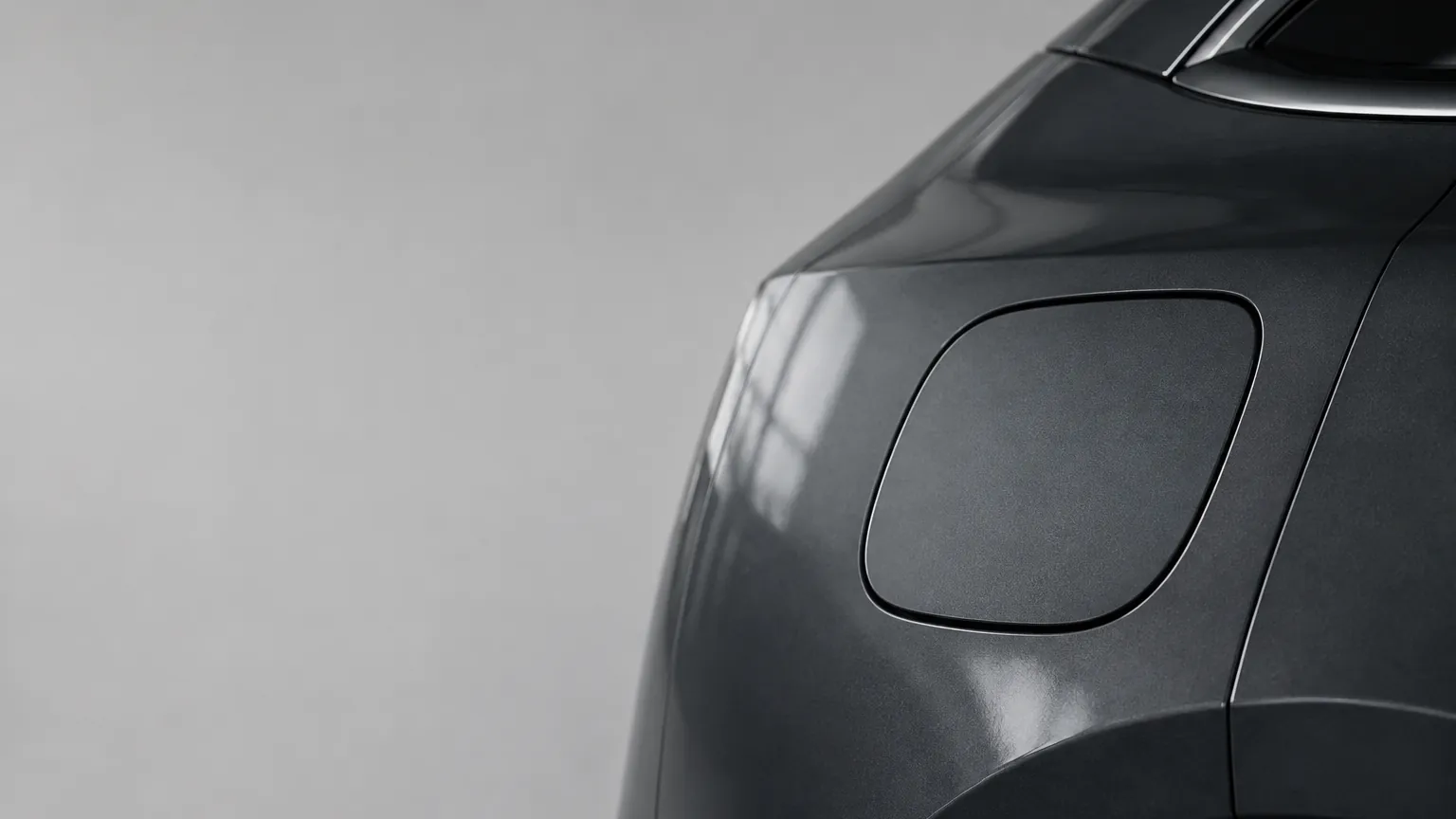
| Port | the USB-A port in the glovebox. |
The sustained write line is the one most people miss. A drive advertised with a fast peak speed can still fall below 4 MB/s when it writes for a long time, and Dashcam writes the whole time you drive. If a product page only gives a peak figure, treat the sustained speed as unknown.
Customize your Tesla lock sound
Browse 2,700+ sounds, instant preview and free download.
Does a lock sound drive need to meet the same requirements?
No. Those requirements are for recording video. A lock sound is one small file, so a drive that is too small for Dashcam still works for it. Format it as FAT32 or exFAT and put the file at the top level of the drive as LockChime.wav. See FAT32 vs exFAT for Tesla USB drives for the choice, and the lock sound guide for the install.
Which USB port should I use?
Use the USB-A port in the glovebox. On some vehicles built after about 1 November 2021 the center-console USB ports only charge. Use the glovebox port to format, save and view video. The rear USB ports only charge. A drive in the wrong port looks fine and records nothing.
Which format should I pick?
Tesla's formats for recording video are exFAT, MS-DOS FAT (Mac), ext3 and ext4. NTFS is not supported. The in-car Controls → Safety → Format USB Drive option formats the drive as exFAT and creates the TeslaCam folder for you.
Use exFAT if the drive will record video, because that is what the car writes and what Tesla's combined-drive instructions assume. Use FAT32 or exFAT for a lock-sound-only drive. A light show drive can be exFAT, FAT32 (Windows), MS-DOS FAT (Mac), ext3, ext4.
Can one USB drive do lock sound, dashcam and Sentry Mode?
Tesla's manual says one drive can hold Dashcam, Sentry Mode and audio files if they sit in separate folders or partitions on an exFAT drive. The manual does not name LockChime.wav, so test it once. The layout we use:
USB drive (exFAT, 64 GB or more)/
├── TeslaCam/            made by the car, holds Dashcam and Sentry clips
└── LockChime.wav
Do the steps in this order:
- Put the drive in the glovebox port and run Controls → Safety → Format USB Drive. It erases the drive.
- Plug the drive into a computer. Copy your
LockChime.wavto the top level of the drive. - Put it back in the glovebox port. Open Toybox → Boombox → Lock Sound and check the car lists the file.
- Turn on Dashcam and Sentry Mode as described in the Sentry Mode and Dashcam setup guide.
Format first and add files after. Format USB Drive erases everything on the drive and works only with one or fewer partitions.
Can the same drive also run a light show?
No. Tesla's light show README says the drive must not contain a base-level TeslaCam folder, map update files or firmware update files. A drive set up for Dashcam has a TeslaCam folder, so a light show gets its own drive: