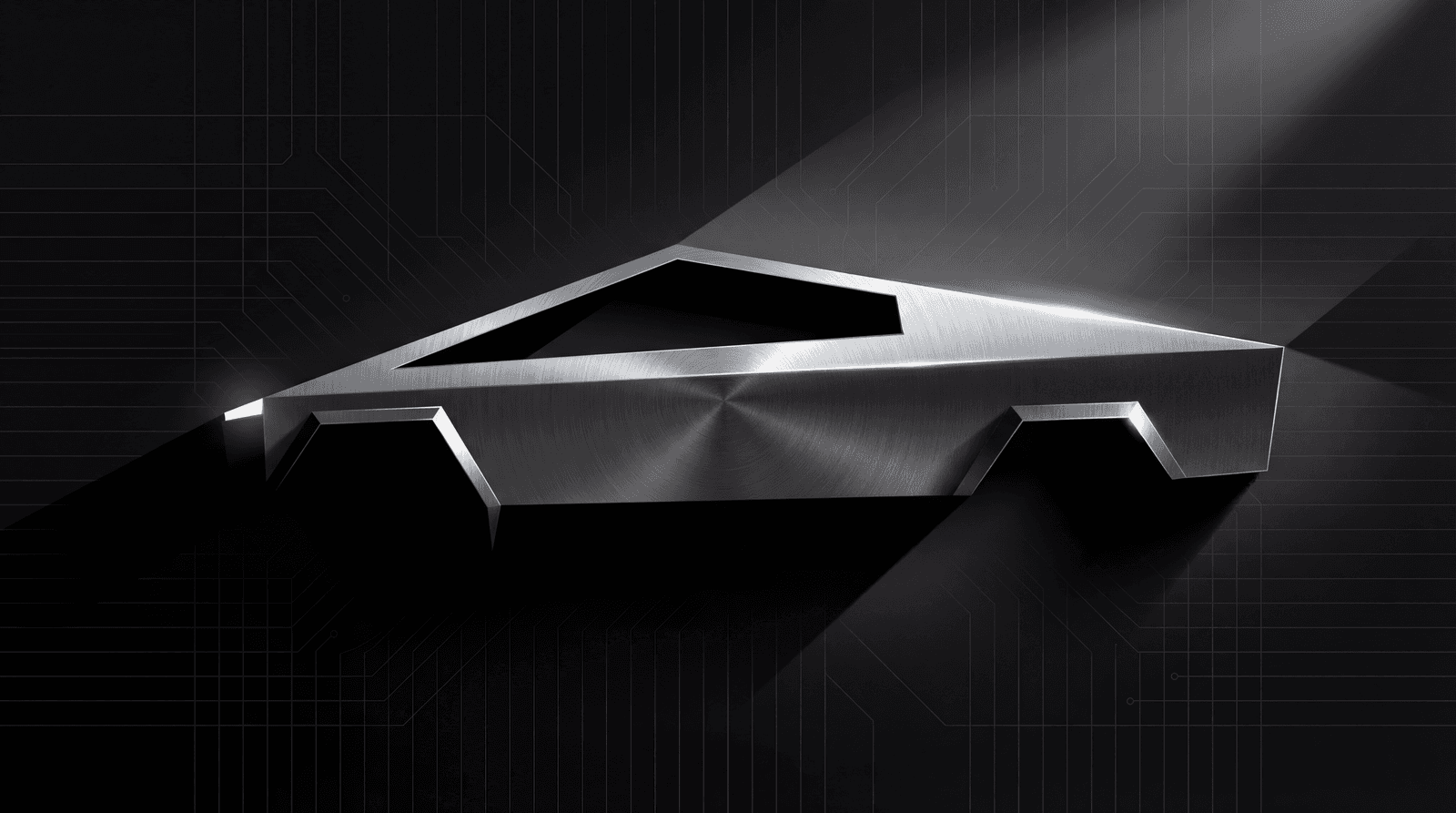
Cybertruck Custom Sounds: Setup Your Futuristic Audio
The Cybertruck has Tesla's most powerful exterior speakers. Here's how to set up custom lock sounds.
Cybertruck Sound System Overview
The Cybertruck features Tesla's most advanced exterior audio:
Find sounds for your Tesla
Every sound works with Model 3, Y, S, X, and Cybertruck.
Full Compatibility
The Cybertruck (2023-present) fully supports:
All Cybertrucks ship with the hardware required for custom sounds.
Step-by-Step Installation
1. Prepare Your USB Drive
The Cybertruck works with USB drives formatted to:
2. Create the Required Structure
USB Drive/
└── Boombox/
    └── LockChime.wav
3. Sound Requirements
4. Install Process
- Insert USB into the Cybertruck's center console USB port
- Open Toybox on the touchscreen
- Select Boombox > Lock Sound
- Choose USB and pick your sound
- Lock the truck to test
Best Sounds for Cybertruck
The Cybertruck deserves sounds that match its revolutionary design:
Industrial & Mechanical
Sci-Fi & Futuristic
Bold & Attention-Grabbing
Gaming & Pop Culture
Browse our Cybertruck collection.
Cybertruck-Specific Tips
Take Advantage of the Speakers
The Cybertruck has powerful exterior speakers:
Match the Aesthetic
Your sound should complement the Cybertruck's design:
Consider the Attention
The Cybertruck already draws attention:
Boombox Mode on Cybertruck
Beyond lock sounds, the Cybertruck's Boombox mode is exceptional:
Troubleshooting
Sound Not Loud Enough
USB Connection Issues
FAQ
Does the Cybertruck support custom lock sounds from day one?
Yes. Every Cybertruck delivered since the 2023 launch includes full Boombox hardware and software support. Unlike some older Tesla models that needed software updates or speaker retrofits, all Cybertrucks ship ready for custom sounds. No dealer visits or additional setup required.
What makes the Cybertruck's speakers different from other Tesla models?
The Cybertruck has Tesla's most powerful exterior speaker setup: multiple high-output drivers with a stronger amplifier stage than Model 3 or Model Y. Sounds that play at modest volume on a Model Y hit notably louder and fuller on a Cybertruck. Bass-heavy content also reproduces significantly better, which is why industrial and cinematic sounds are especially popular Cybertruck choices.
What volume level should I target when creating sounds for Cybertruck?
Normalize to -3dB peak for Cybertruck (versus the standard -6dB recommendation for other models). The more powerful speakers give you headroom for a louder, more impactful sound without distortion. Use our audio converter to set the exact level.
Which USB port should I use on the Cybertruck?
Any of the Cybertruck's USB ports work: center console or front passthrough. Unlike some older Tesla models where port selection matters, Cybertruck USB detection is reliable across all ports. If you have issues, try the front center console port first and ensure the drive is formatted FAT32.
Can I use bold, bass-heavy sounds on the Cybertruck without distortion?
Yes. The Cybertruck's speaker system is designed to handle a wider frequency range and higher output than other Tesla models. Bass content above 80Hz reproduces cleanly. If you notice distortion, lower peak volume by 3dB and remove any sub-bass below 60Hz. Browse Cybertruck-optimized sounds for pre-tested options.
See Also