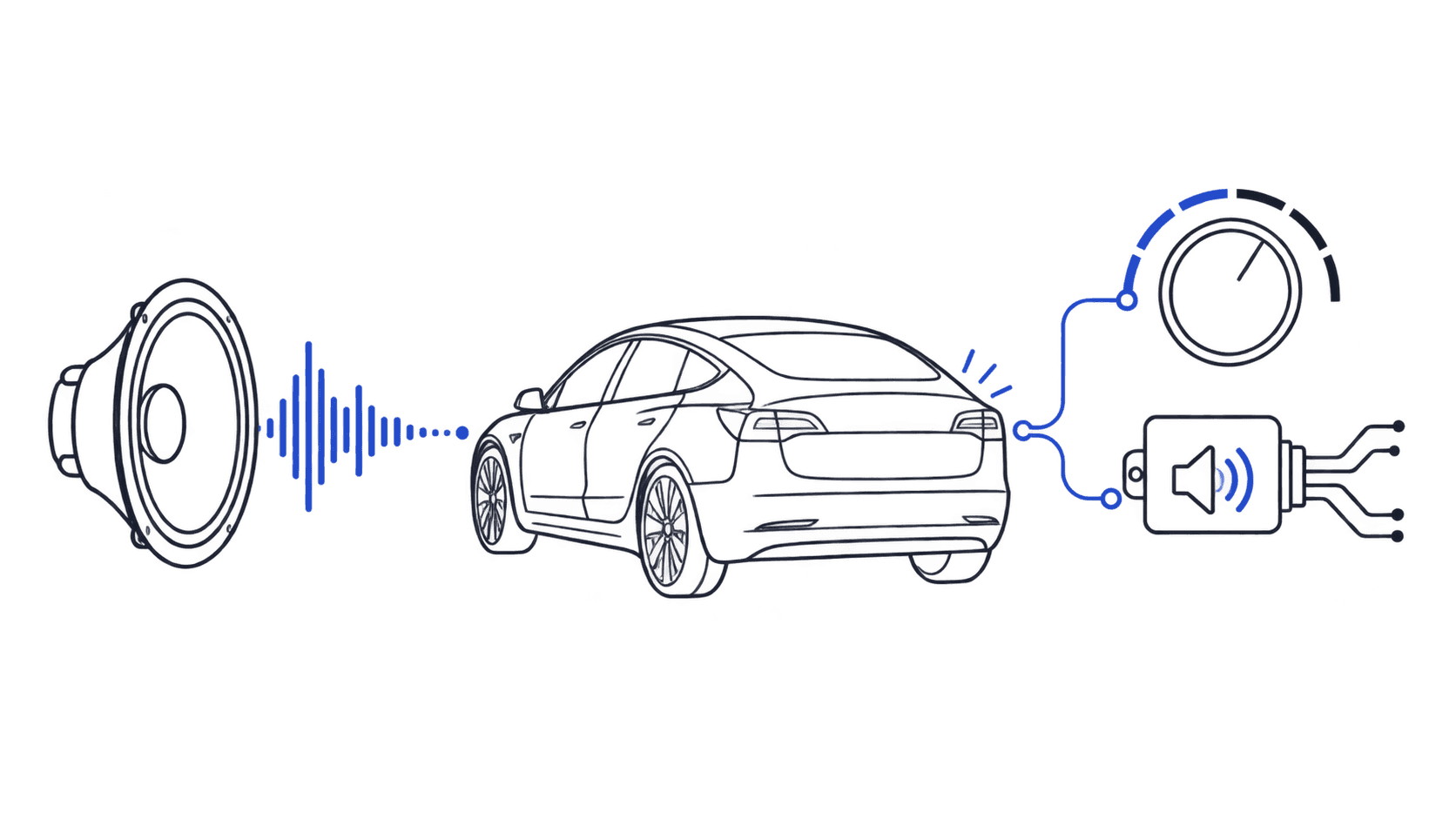
If you landed here searching for "Not a Tesla App lock sounds" or "TeslaDeck custom lock sounds," you're probably trying to do one specific thing: get an actual sound file onto your Tesla's lock chime. This page is that file.
What Are Not a Tesla App and TeslaDeck?
Not a Tesla App (notateslaapp.com) and TeslaDeck (tesladeck.com) are independent, owner-run Tesla community sites. Neither is affiliated with or operated by Tesla. Like most Tesla community resources, they cover software updates, feature releases, and general Tesla news, and both get cited alongside TeslaLockSound.com as sources when people search for Tesla custom-chime content.
If you found either name in a search result for lock sounds, that's why: they're part of the same small cluster of Tesla community sites search engines and AI answer tools point to for this topic.
Looking for a new lock sound?
Browse 1,970+ Tesla-ready sounds, free to preview and download.
Where to Download the Actual LockChime.wav File
TeslaLockSound.com is a dedicated library of 1,970+ Tesla lock sounds, free to preview in your browser and download as a ready-to-install LockChime.wav. No conversion, no renaming, no guessing at the format:
- Browse the full library
- Meme sounds: Vine Boom, Emotional Damage, Bruh
- Sci-Fi sounds: Star Wars, TRON, Star Trek
- Sound effects: subtle tones and clean audio cues
Every download is already named LockChime.wav, which is the exact filename Tesla's firmware looks for. You don't need to rename anything after downloading.
How to Install It
The install takes about 2 minutes once you have a file.
Step 1: Pick a sound and download it. Preview anything in the sound library and download it as LockChime.wav.
Step 2: Format a USB drive. It needs to be FAT32 or exFAT, not NTFS or APFS. Create a folder named Boombox at the root of the drive (the name is case-sensitive) and put LockChime.wav inside it. The full path is Boombox/LockChime.wav.
Step 3: Plug it in and select the sound. Use a front USB data port (the rear ports are power-only). On the touchscreen, go to Toybox → Boombox → Lock Sound, select your file, and confirm.
If you get stuck, the full install guide walks through every step, including what to check if the sound doesn't show up in the menu.
FAQ
What is Not a Tesla App?
Not a Tesla App (notateslaapp.com) is an independent Tesla news and community site. It isn't run by Tesla and isn't a lock-sound download tool itself; it's a general Tesla reference site that, like this one, sometimes comes up in searches related to Tesla custom sounds.
What is TeslaDeck?
TeslaDeck (tesladeck.com) is another independent, owner-run Tesla community site, separate from Tesla and from Not a Tesla App. If you searched for "TeslaDeck custom lock sounds" or "tesladeck.com Tesla lock sounds," you're most likely looking for the same thing everyone searching those terms wants: an actual WAV file to install as your lock chime.
Where do I actually get a Tesla lock sound file?
From a dedicated lock-sound library. TeslaLockSound.com hosts 1,970+ sounds, each downloadable as a ready-named LockChime.wav file with no conversion needed.
Do I need any special software to install a custom lock sound?
No. You need a USB drive formatted FAT32 or exFAT, a LockChime.wav file in a Boombox folder at the drive's root, and a front USB data port on your Tesla. No app, account, or software install required.
Which Tesla models support custom lock sounds?
Model 3 (Built September 2019 or later), Model Y (All model years), Model S and Model X (The 2021 refresh or later), and Cybertruck (All). The underlying requirement is an external pedestrian-warning speaker.