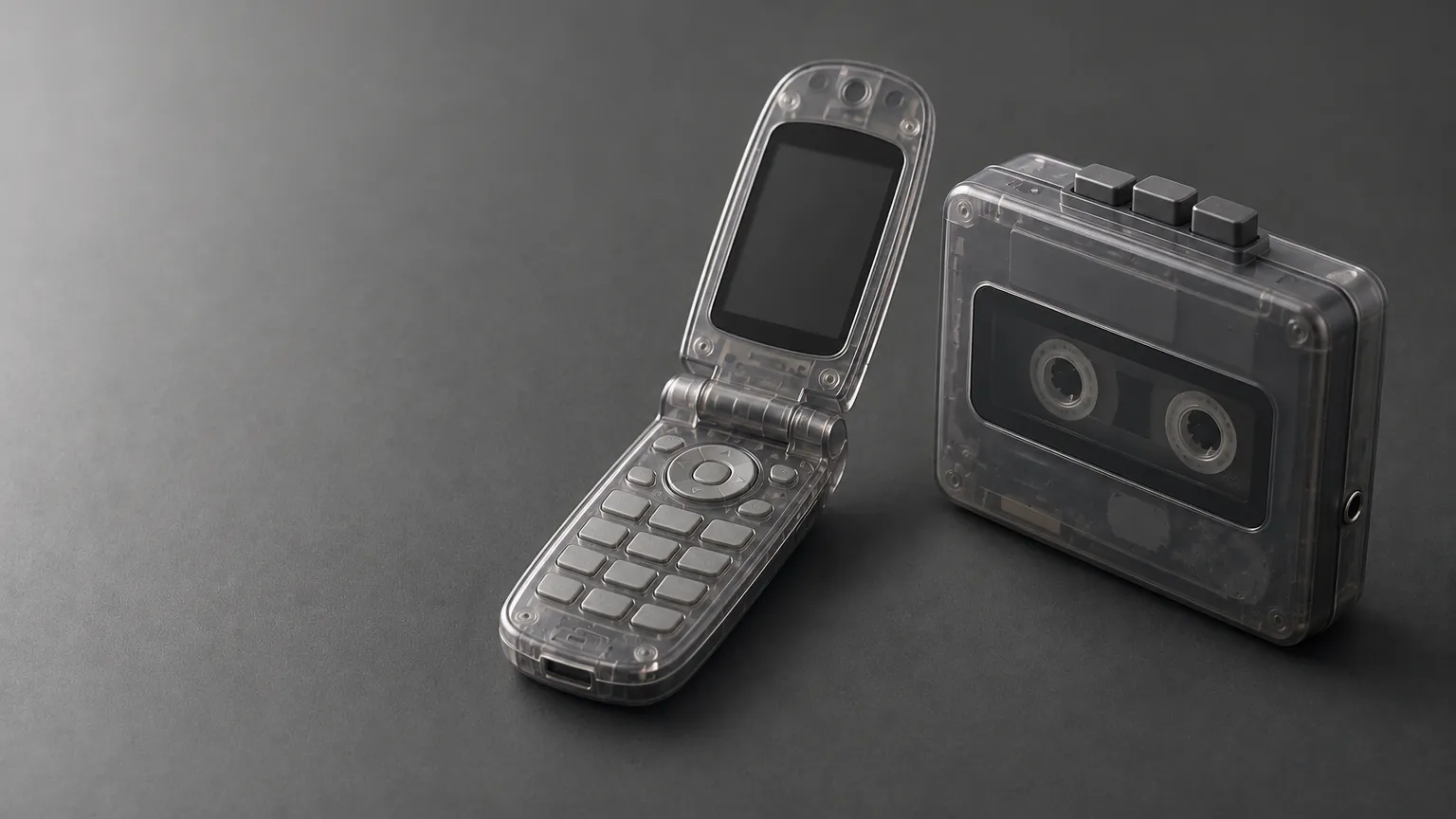
Before push notifications, there was a chime for everything: a modem screaming its way onto the internet, a buddy list door slamming shut, an operating system saying goodnight. Those sounds got compressed into a second or two of audio precisely so they’d cut through a noisy room, which happens to be the exact job a Tesla lock chime needs to do in a parking lot.
The Windows XP shutdown chime has been downloaded more than 5,000 times from this library, and it is not the only retro sound people keep coming back for. Below are ten of the best, every one a free LockChime.wav download, ready for USB install. New to custom lock sounds? Read the install guide →
Two seconds of warm, wistful farewell: the sound a generation heard when the desktop finally went dark, from XP’s 2001 release through the end of its support in 2014. As a lock chime it does the same job it always did: it tells you something just ended.
Download Windows XP Shutdown →
The four-note chord that meant the machine was awake and ready for another day of dial-up, ICQ, and way too many browser windows. It’s the mirror image of the shutdown chime, so if you want a “the car is alive” feel instead of a farewell, this is the one.
Download Windows XP Startup →
That sharp, judgmental ding from somewhere deep in Control Panel. Everyone who used a PC in the 2000s has a visceral memory of this sound accompanying a blue screen, a failed install, or a closed program that shouldn’t have closed. As a lock chime it’s a joke that lands instantly: your Tesla scolding you for locking it.
Download Windows XP Error →
Brian Eno composed this fanfare in four days for Microsoft, and it shipped to roughly 400 million PCs. It’s the sound of computing “arriving” for an entire generation, six years before XP, and it still reads as an event rather than background noise.
Download Windows 95 Ta-Da →
Customize your Tesla lock sound
Browse 2,690+ sounds, instant preview and free download.
The original “someone’s messaging you” sound, from the instant messenger that predates AIM and MSN both. “Uh-oh!” in 0.6 seconds is turn-of-the-millennium chat nostalgia distilled to its purest form, and it’s this cluster’s biggest search term by a wide margin.
Download ICQ Uh-Oh →
The AIM sign-off chime: a soft, fond farewell that closed out an entire generation of buddy lists and away messages. If the ICQ uh-oh is the “you’ve got a message” half of this era, this is the other bookend.
Download AOL Goodbye →
The soft ding that meant someone was thinking of you at 11pm on dial-up in 2003. MSN Messenger was the AIM alternative for a huge swath of the world outside the US, and this chime is instantly placeable for anyone who grew up on it.
Download MSN Messenger Alert →
Thirteen notes (“Gran Vals,” if you want the classical-guitar original) that made an entire generation recognize a phone from across a room before smartphones existed. It’s one of the most-searched ringtones on the internet, full stop, and it works as a lock chime for the same reason it worked as a ringtone: instant recognition at low volume.
Download Nokia Tone →
The full 56k handshake: screeching, whistling, and clicking as two modems negotiate a connection over a phone line. It’s the longest, weirdest sound on this list, and also the one that gets the biggest reaction from anyone who remembers waiting for it to finish before they could get online.
Download 90s Modem Dial-Up →
A few more retro-tech sounds worth browsing:
Browse the full Retro Tech category for the complete set, or the curated 90s Nostalgia collection for a themed pack.
- Download any sound above (it’s already named
LockChime.wav) - Copy it to a USB drive inside a
Boombox folder, so the full path reads Boombox/LockChime.wav - Format the drive FAT32 or exFAT
- Plug the drive into a USB port that carries data
- Go to Toybox → Boombox → Lock Sound, select USB, and choose your file
Full walkthrough with screenshots: Installation Guide →
Need to convert your own retro audio rip to the right format? Use our MP3 to WAV converter →
Which retro sound should I pick first?
Download counts move, so this page doesn’t freeze a ranking: every sound page shows its own running download count, which is the number to trust. If you want a safe starting point, the Windows XP shutdown chime is short and reads clearly at parking-lot distance; the Mario game-over jingle is the one people recognize fastest.
Are these sounds actually free?
Yes. Every download on teslalocksound.com is free, no account required, already formatted as LockChime.wav for Tesla’s Boombox feature.
Do these sounds work on every Tesla model?
Check whether your car supports it. If you don’t see the Lock Sound option, update your software from Controls → Software.
Why do these old computer sounds work so well as lock chimes?
They were engineered to be noticed in a room without being obnoxious: short, mid-frequency, and unambiguous. That’s the same brief as a car’s lock confirmation, so a sound designed for a 2003 PC speaker translates cleanly through Tesla’s external speaker.
Can I use a different retro sound on each of my cars?
Yes. Each Tesla reads its own USB drive independently, so you can put the XP shutdown chime on one car and the ICQ uh-oh on another.
Want more theme roundups? See our Nintendo, gaming, and sci-fi sound guides. Browse all 2,690+ sounds in the full library →