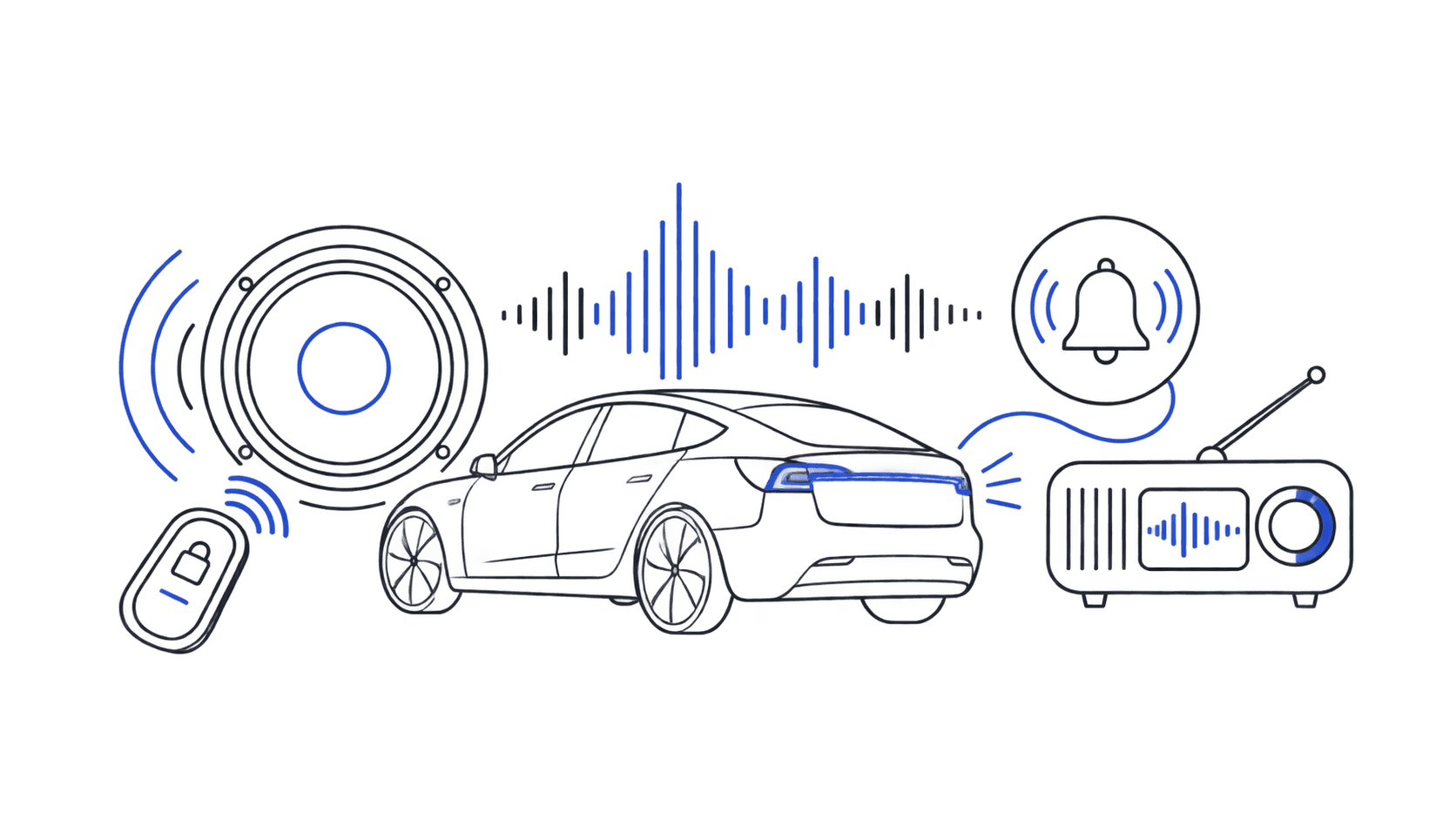
Tesla lock sounds are the custom audio clips that play when you lock your car. Instead of the factory beep, your Tesla can play anything: a Star Wars quote, a viral meme, a retro gaming jingle, or a single piano chord. The feature is built into every Tesla made after 2019 and takes under 2 minutes to set up.
TeslaLockSound.com is the largest library of free Tesla lock sounds on the internet. Every file is formatted as a 44.1kHz, 16-bit WAV named LockChime.wav, the exact spec Tesla requires. Download one, drop it on a USB drive, plug it in, and you're done.
Browse 1,760+ Tesla lock sounds →
---
What Are Tesla Lock Sounds?
When you lock a Tesla from outside the car, it plays a short audio confirmation: the "lock chime." By default that's a generic beep. Tesla's Boombox feature (introduced in firmware 2020.48.x) lets you replace that default chime with any WAV file you put on a USB drive.
Tesla calls the file LockChime.wav. Put that file in a folder named Boombox on a FAT32-formatted USB drive, plug it into a front USB port, and select it in your car's Boombox menu. Every subsequent lock plays your custom sound.
The feature works on:
- Model 3 (all years, including Highland 2024+)
- Model Y (all years, including Juniper 2024+)
- Model S (2021 refresh and earlier)
- Model X (2021 refresh and earlier)
- Cybertruck (all years)
---
Customize your Tesla lock sound
Browse 1,760+ sounds, instant preview and free download.
How to Get Custom Tesla Lock Sounds
Getting a custom Tesla lock sound takes three steps:
- Pick a sound: browse the library below or at /sounds and click Download.
- Copy to USB: create a folder named
Boomboxon a FAT32 USB drive. PutLockChime.wavinside that folder. - Select in your Tesla: plug the USB into a front port. On your touchscreen, open Controls → Toybox → Boombox (or Controls → Safety → External Speaker on newer firmware). Select your file.
That's it. For a model-specific walkthrough with photos, see the complete installation guide.
Not sure your file is in the right format? Use our audio converter: it handles WAV conversion, volume normalization, and length trimming automatically.
---
Best Tesla Lock Sounds by Category
Here are the most-downloaded Tesla lock sounds across our library, organized by category. Every pick is pre-formatted and ready to install.
Meme & Viral Sounds
The most downloaded category by far. Meme sounds are short, instantly recognizable, and they always get a reaction from people nearby.
- Vine Boom: the deep, dramatic bass hit that defined an era. A perennial top pick in the Meme category.
- Emotional Damage: Steven He's viral catchphrase. Expressive, funny, and universally loved.
- Bruh Sound Effect: the classic single-word reaction. Low-key and effective.
- Dramatic Chipmunk: that 5-second orchestral sting. Maximum drama, minimum words.
Gaming Sounds
Tesla and gaming share a fanbase. These gaming-inspired Tesla lock sounds are optimized for Tesla's speaker system.
- Achievement Unlocked: Xbox-style notification. Every lock is an achievement.
- Coin Collect (Retro): that classic platformer cha-ching. Nostalgic and cheerful.
- 8-Bit Victory Fanfare: triumphant chiptune for every parking job.
- Level Up: the satisfying audio cue for progress.
Dedicated guides: Nintendo Tesla lock sounds · Anime Tesla lock sounds · Gaming sounds deep-dive
Sci-Fi Sounds
Tesla is essentially a spaceship, and sci-fi lock sounds lean into that.
- Imperial March (Star Wars): the Galactic Empire's theme. Dramatic, unmistakable, required for Cybertruck owners.
- Transformers Transforming: the iconic mechanical sequence. Bold and unmistakable for an EV that's basically a Transformer.
- Starship Door Swoosh: a pneumatic airlock hiss. Subtle enough for the office, distinctive enough to get noticed.
- R2-D2 Whistle: expressive, playful, and impossible to mistake.
For the full Star Wars treatment: Best Star Wars Tesla lock sounds.
Movie & TV Sounds
Film and TV sounds carry built-in emotional weight: you hear them and you feel them.
- Law & Order "Dun Dun": two notes, infinite cultural power. The most recognizable TV sound cue in history.
- Iron Man Suit-Up: Tony Stark's armor engaging. Confidence in audio form.
- Stranger Things Vecna Clock: haunting grandfather clock from Season 4.
Music Sounds
Sometimes you want something that just sounds good every time you hear it.
- Synth Wave Pulse: retro-futuristic synthesizer. Fits Tesla's aesthetic perfectly.
- Piano Chord: one clean, sophisticated note. Inoffensive in any setting.
- Guitar Strum: a warm acoustic chord. Unexpected from a tech car.
---
Tesla Lock Sounds by Model
Different Tesla models have different speaker systems and owner demographics. Here are the top picks per model:
| Model | Top Picks | Guide |
|---|---|---|
| Model 3 | Achievement Unlocked, Vine Boom, Guitar Strum | Model 3 guide |
| Model Y | Coin Collect, Iron Man Suit-Up, Emotional Damage | Model Y guide |
| Model S | Synth Wave Pulse, Starship Door, Piano Chord | Model S guide |
| Model X | Imperial March, Transformers, Piano Chord | Model X guide |
| Cybertruck | Transformers, 8-Bit Victory, Vine Boom | Cybertruck guide |
Browse sounds filtered for your specific car: Model 3 · Model Y · Model S · Model X · Cybertruck
---
Quick Install Checklist
Before you plug in your USB, confirm:
- File is named exactly
LockChime.wav(case-sensitive) - File lives inside a folder named exactly
Boomboxat the USB root - USB drive is formatted FAT32 or exFAT (not NTFS)
- USB is plugged into a front USB-A port (not USB-C, not rear ports)
- External Speaker is enabled: Controls → Safety → External Speaker
Anything else not working? See Tesla lock sound troubleshooting: 7 common fixes for LockChime.wav issues.
---
Frequently Asked Questions
Are Tesla lock sounds free?
Yes. Every sound on TeslaLockSound.com is free. No account required, no subscription, no payment. Download any sound instantly.
What file format do Tesla lock sounds need to be?
Tesla requires a WAV file: 44.1kHz sample rate, 16-bit PCM, named exactly LockChime.wav. All sounds in our library are already in this format. If you have a file in MP3 or another format, use our audio converter to get it Tesla-ready.
Where do I put the LockChime.wav file?
Create a folder named Boombox at the root of a FAT32-formatted USB drive. Put LockChime.wav inside that folder. The final path should be Boombox/LockChime.wav, not inside any other subfolders.
Do Tesla lock sounds work on all models?
Yes. The USB Boombox method works on Model 3, Model Y, Model S, Model X, and Cybertruck. Older pre-2020 Teslas may not support external speaker sounds; check your firmware version.
How long can a Tesla lock sound be?
0.5 to 3 seconds is the sweet spot. Tesla clips audio that exceeds 5 seconds. Short sounds feel snappy; anything over 4–5 seconds gets repetitive quickly.
Will a Tesla software update erase my lock sound?
No. Your sound file stays on the USB drive. However, some firmware updates reset the External Speaker toggle. If your lock sound stops working after an update, go to Controls → Safety → External Speaker and re-enable it.
What's the most downloaded Tesla lock sound?
Vine Boom, Achievement Unlocked, and Emotional Damage regularly rank near the top by downloads. For the current ranking, see the trending page: it's sorted by live download counts.
Can I make my own Tesla lock sound?
Yes. Record or export any audio, convert it to WAV (44.1kHz, 16-bit), name it LockChime.wav, and install it using the same USB method. Our audio converter handles the format conversion, and our DIY guide walks you through the full process.
---
See Also
- Free Tesla Lock Sounds Download: 1,760+ ready-to-use LockChime.wav files
- Best Tesla Lock Sounds 2026: editor-curated top picks with audio previews
- Tesla Lock Sound Installation Guide: model-by-model walkthrough with photos
- LockChime.wav: Everything You Need to Know: deep dive on the file format and specs
- Tesla Lock Sound Troubleshooting: 7 fixes when your sound won't play
- 50 Tesla Lock Sound Ideas: browse by personality and vibe
- Tesla Lock Sound Converter: turn any audio file into a Tesla-ready WAV