Quick spec
- File path
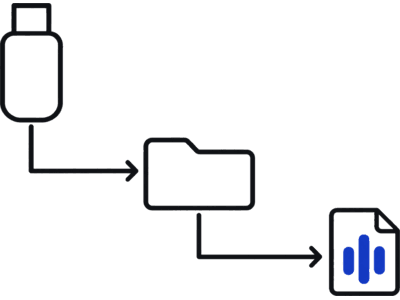
- Boombox/LockChime.wav
- USB filesystem
- FAT32 or exFAT (not NTFS, not APFS)
- Port
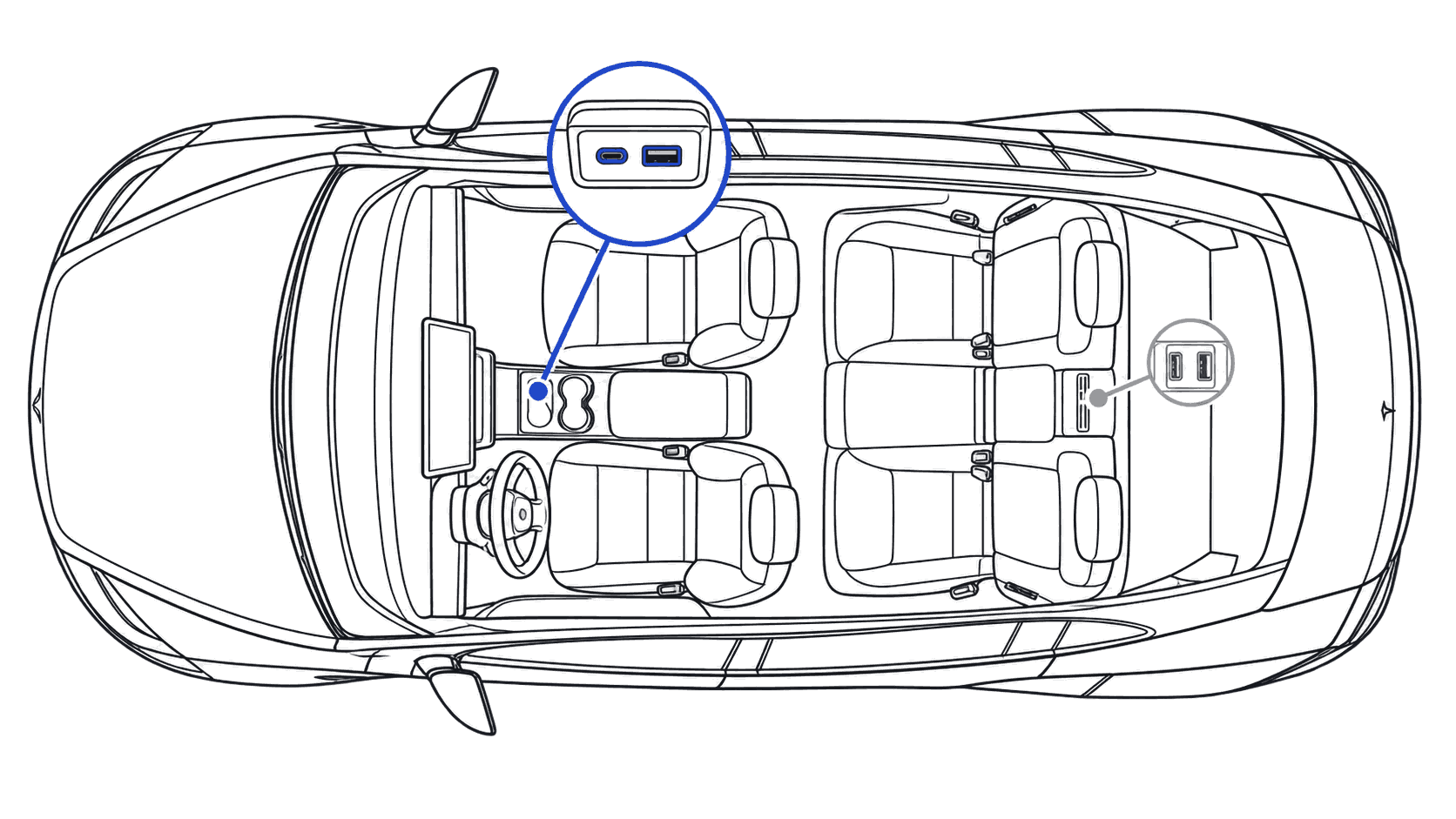
- a USB port that carries data (the glovebox port on newer cars; rear ports only charge)
- Audio format
- WAV, 44.1 kHz, 16-bit PCM, 1–5 s
- Software floor
- Holiday Update 2023.44+
Steps
Copy to USB
Download your sound. Every file arrives named LockChime.wav in 44.1 kHz, 16-bit WAV, the recommended spec for clean playback. On a FAT32 or exFAT USB drive, create a folder named Boombox and place LockChime.wav inside it. Full path: Boombox/LockChime.wav. The only hard Tesla requirement is a WAV file named LockChime.wav.
Library downloads and voice generator clips both arrive already named, so there is nothing to rename.
To format: on macOS, Disk Utility → Erase → MS-DOS (FAT); on Windows, right-click the drive → Format → FAT32. Any size works, even 64 MB.
Boombox takes a capital B. No subfolders: place LockChime.wav directly inside Boombox/, one file at a time.
Plug into your Tesla
Insert the drive into a USB port that carries data (the glovebox port on newer cars; rear ports only charge). Give the car a few seconds to index the drive. Open Toybox → Boombox → Lock Sound, then choose USB.
If the first port does not show USB in the menu, try another data port.
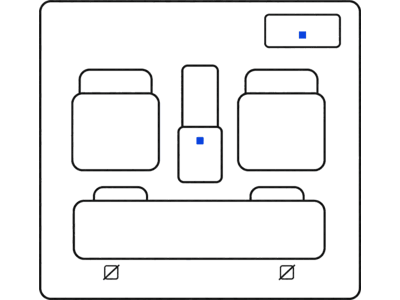

Lock the car
Lock the car to hear it.
Walk away or press the key fob. The sound plays through the external speaker.
Most common Model 3 failure: rear-port plug
If the Toybox → Boombox → Lock Sound source dropdown shows USB as greyed out or unavailable even with a correctly formatted drive, move the stick to a USB port that carries data (the glovebox port on newer cars; rear ports only charge) and retry.
FAQ
Which Model 3 USB port works for Boombox?
A USB port that carries data, not a rear one. Step 2 has the details.
Does the Model 3 Highland (2024+) support custom lock sounds?
Yes. Highland fully supports the same Boombox/LockChime.wav workflow as earlier Model 3s. If your drive's plug doesn't fit the port, use a small adapter.
What's the most common Model 3 install failure?
Plugging into the wrong port. The USB option in Toybox → Boombox → Lock Sound stays greyed out until the drive is in a USB port that carries data (the glovebox port on newer cars; rear ports only charge).